
Add-ons after a minimal install: the full environment/group list and a measured group install
What you will learn
Section titled “What you will learn”What a minimal Oracle Linux 10 lacks and how to fill it. This page carries the full group list plus one real group install (with the package-count delta), and separates the two layers of “environment group” and “plain group”.
How small is a minimal install
Section titled “How small is a minimal install”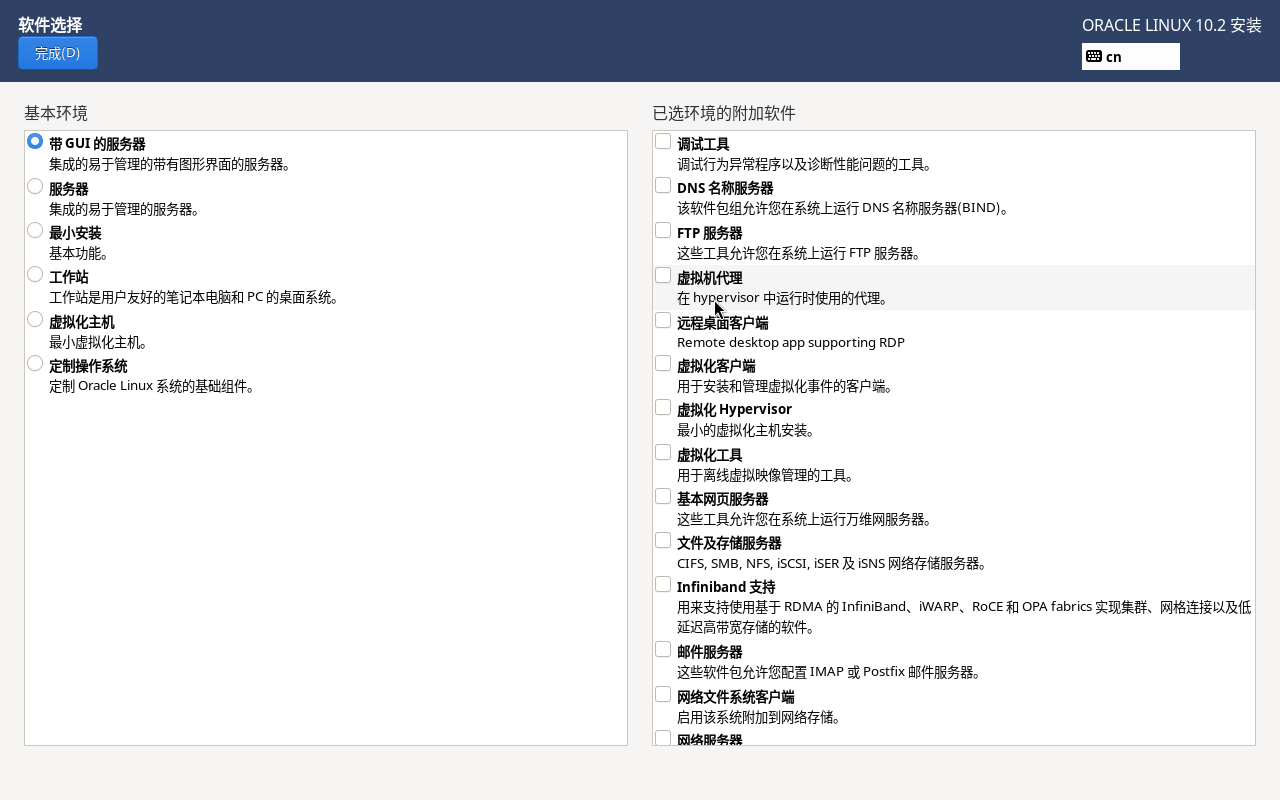
395 packages (rpm -qa | wc -l). No GUI, no cockpit, no subscription-manager — not even OpenSCAP. Usable, but a stretch from convenient.
The group list: see what can be added
Section titled “The group list: see what can be added”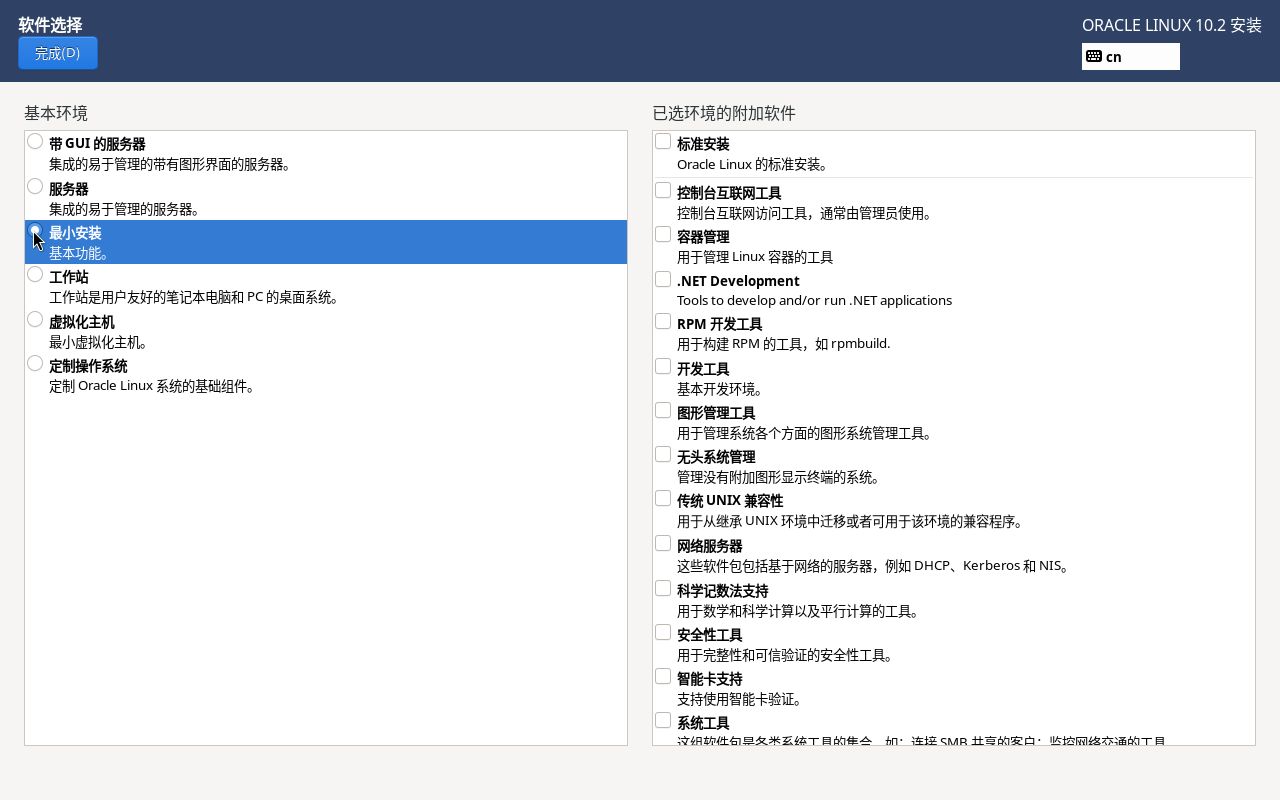
dnf group listMeasured output (OL 10.2):
Available environment groups: Server with GUI Server Workstation Custom Operating System Virtualization HostInstalled environment groups: Minimal InstallAvailable groups: Legacy UNIX Compatibility Smart Card Support Console Internet Tools Container Management Development Tools .NET Development Graphical Administration Tools Headless Management Network Servers RPM Development Tools Scientific Support Security Tools System Tools (…)The two layers:
- Environment groups: the tone chosen at install time. Changing the tone afterwards needs no reinstall —
dnf group install "Server with GUI"pulls in the whole GUI stack; - Plain groups: functional sets, layered on as needed.
A real install: the security-tools group
Section titled “A real install: the security-tools group”dnf group install -y security-toolsMeasured process and result:
 Installing group packages:   openscap-1.4.4-1.el10_2.x86_64   openscap-scanner-1.4.4-1.el10_2.x86_64   scap-security-guide-0.1.82-2.0.1.el10_2.noarch   ...Complete!
rpm -qa | wc -l# 411 (395 before, +16 packages)
With this group installed, the OpenSCAP compliance-scanning toolchain is complete — the OSCAP compliance page continues from exactly here.
The common add-ons table
Section titled “The common add-ons table”| Need | Group / command | Notes |
|---|---|---|
| Build environment (gcc/make) | dnf group install development-tools | RPM Development Tools is the rpmbuild subset — don’t mix them up |
| Containers (podman/buildah) | dnf group install container-management | podman can also be installed alone |
| Headless remote management | dnf group install headless-management | the cockpit family |
| DNS/mail/FTP services | dnf group install network-server | the network-services collection |
| Graphical admin tools | dnf group install graphical-administration-tools | GUI environments |
Removing and cleaning up
Section titled “Removing and cleaning up”Group removal is dnf group remove <group>, but it only deletes group-exclusive packages — anything another package depends on stays. For a precise rollback, find the transaction id with dnf history and run dnf history undo <id> (see the dnf transaction rollback page).
Evidence and limits on this page
Section titled “Evidence and limits on this page”- Measured: the group list (zh-name and id views), the security-tools install with its package delta, and the openscap tooling landing;
- Not measured: pulling the full GUI environment group (this environment is a minimal install — 2 GiB running GNOME is not sensible; GUI add-ons get their own measured VM when needed);
- Sources: OL 10 installation guide (software selection), the
dnf(8)group section.