RHEL 10.2 HTTP 仓库 + Kickstart 自动安装(非 PXE)
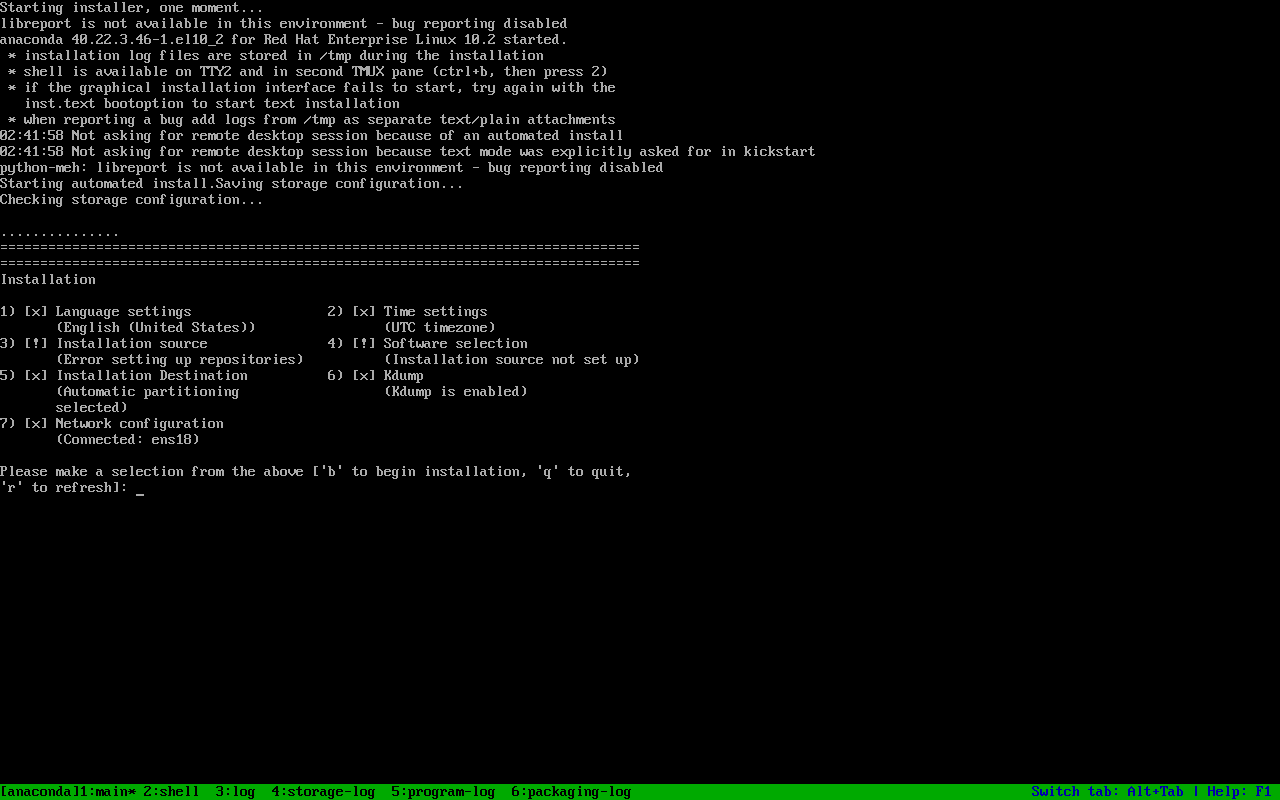
boot.iso 只负责把 Anaconda 拉起来,软件包必须来自 inst.repo/url。本页用 本地 HTTP 仓库 + Kickstart 自动装出一台 RHEL 10.2(399),并记录两个真实坑:--device=link 的警告、reboot --eject 没弹 CD 导致重装。
环境:
| 角色 | 主机 | 说明 |
|---|---|---|
| 仓库/HTTP | PVE 390,192.168.2.232 | /srv/rhel10,python3 -m http.server 8080 |
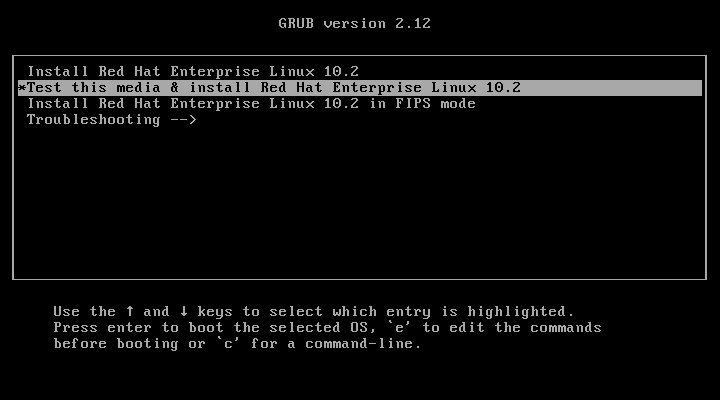
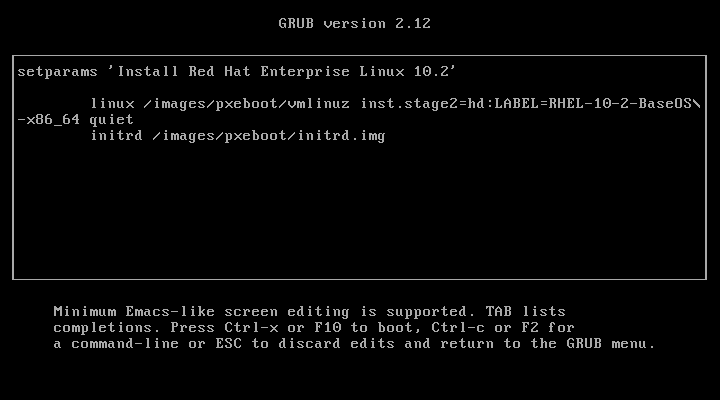
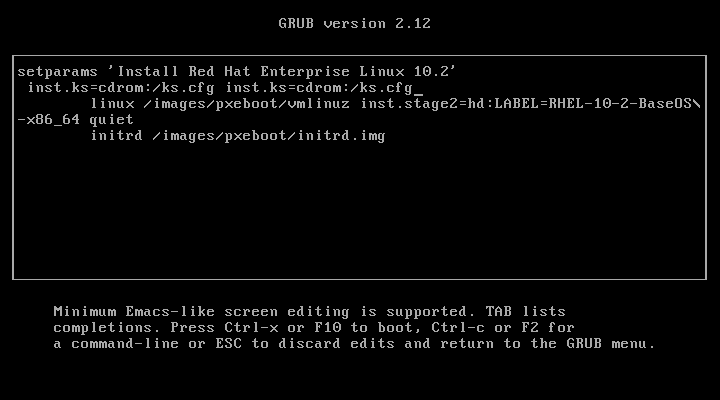
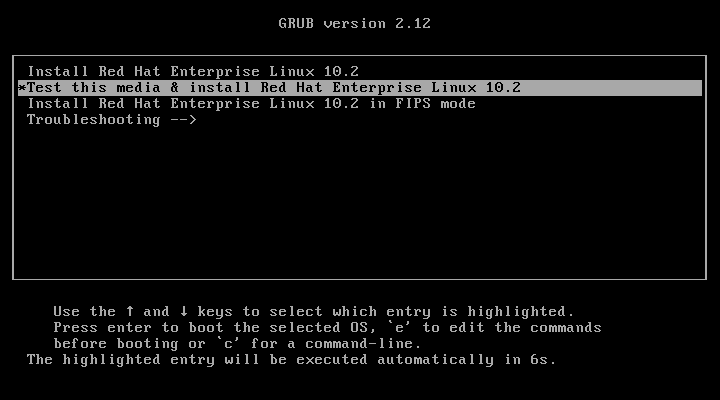
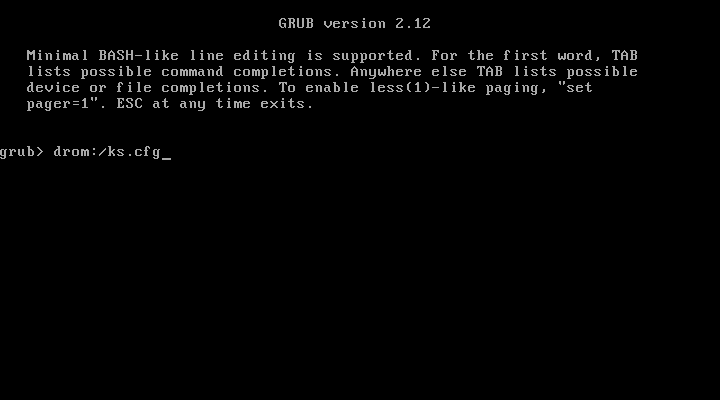
| 安装源 | rhel-10.2-x86_64-boot.iso 重制 | 加入 ks.cfg,GRUB 默认 inst.ks=cdrom:/ks.cfg |
| 客户端 | PVE 399,192.168.2.242 | 2C/3G/20G,Kickstart 自动装 |
E3 记录:plans/content-expansion/evidence/rhel/rhel-http-install/run.json(9 步,含仓库大小、HTTP 200、装机结果、两张截图)。
先给结论:boot.iso 不是仓库
Section titled “先给结论:boot.iso 不是仓库”boot.iso只有安装器,没有完整包;url --url=...指定安装源(BaseOS);repo --name=appstream --baseurl=...追加 AppStream;- 没有
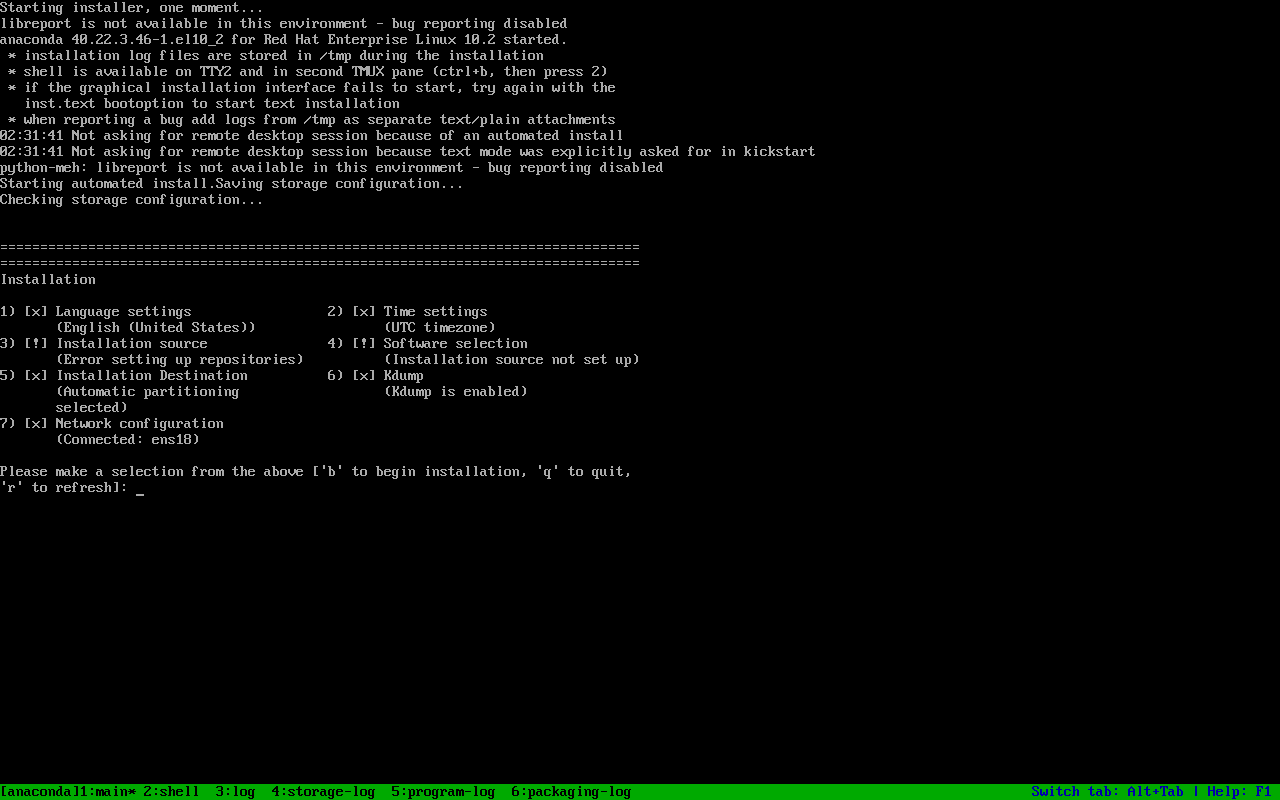
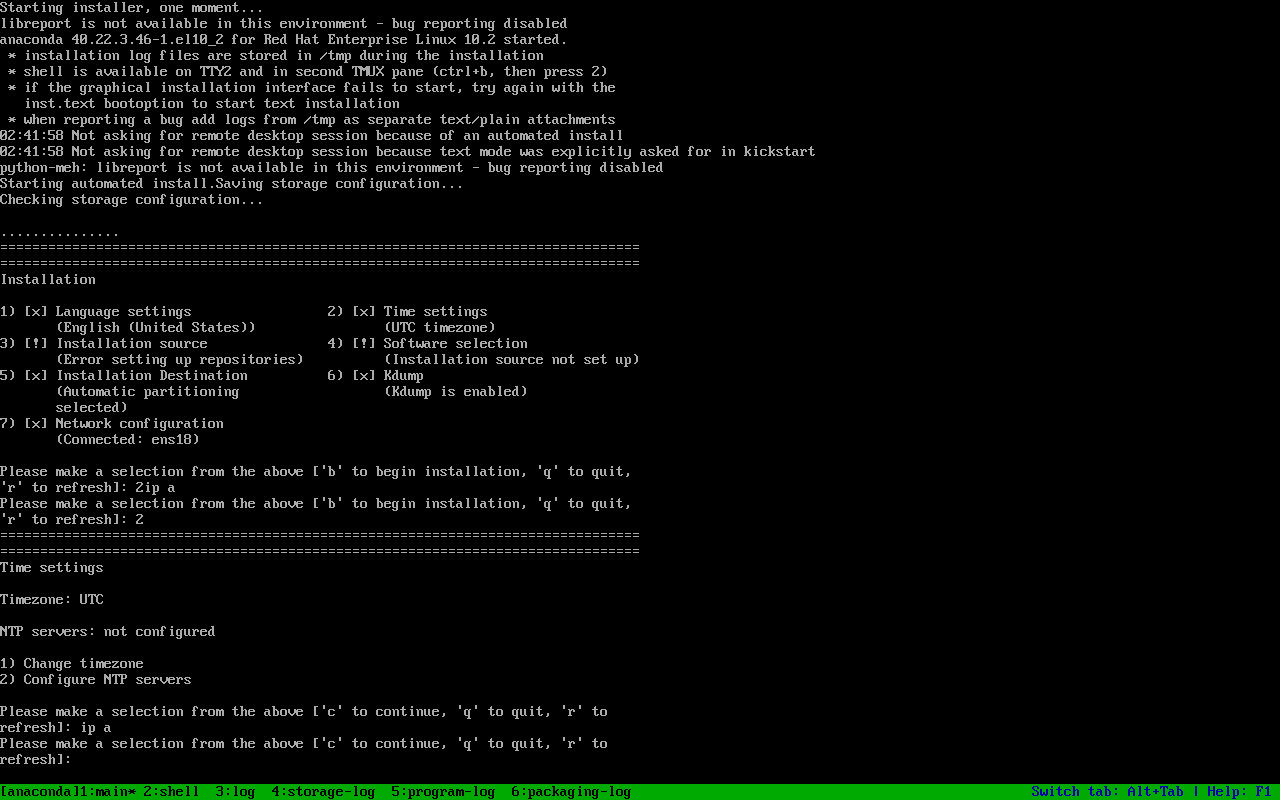
url/inst.repo时,Anaconda 会停在 “Error setting up repositories”。
sudo mkdir -p /srv/rhel10/{baseos,appstream}reposync --repoid=rhel-10-for-x86_64-baseos-rpms \ --download-path /srv/rhel10/baseos --download-metadata --newest-onlyreposync --repoid=rhel-10-for-x86_64-appstream-rpms \ --download-path /srv/rhel10/appstream --download-metadata --newest-only实测大小:BaseOS 1.8G,AppStream 7.5G。reposync 会把内容放进 <path>/<repoid>/,需要把里层目录内容上移,保证 <path>/repodata/repomd.xml 在 URL 根上。
HTTP:
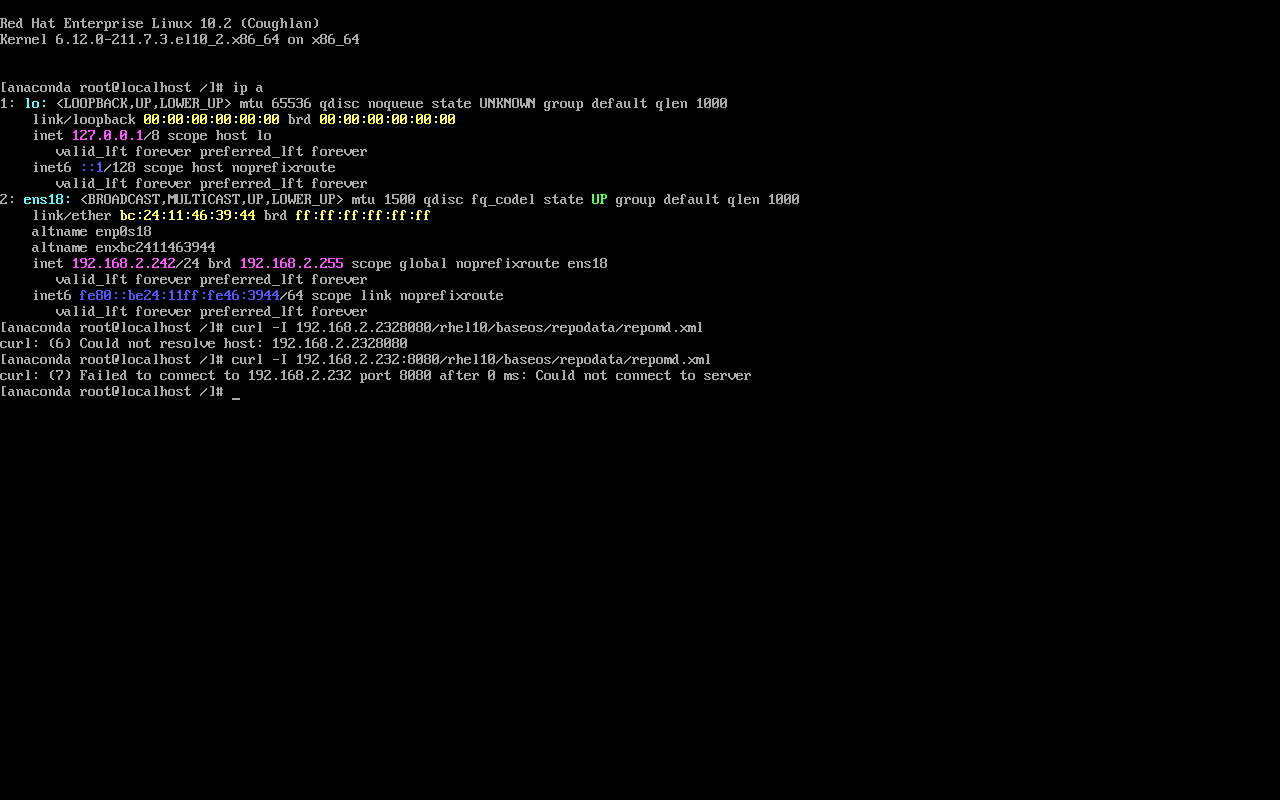
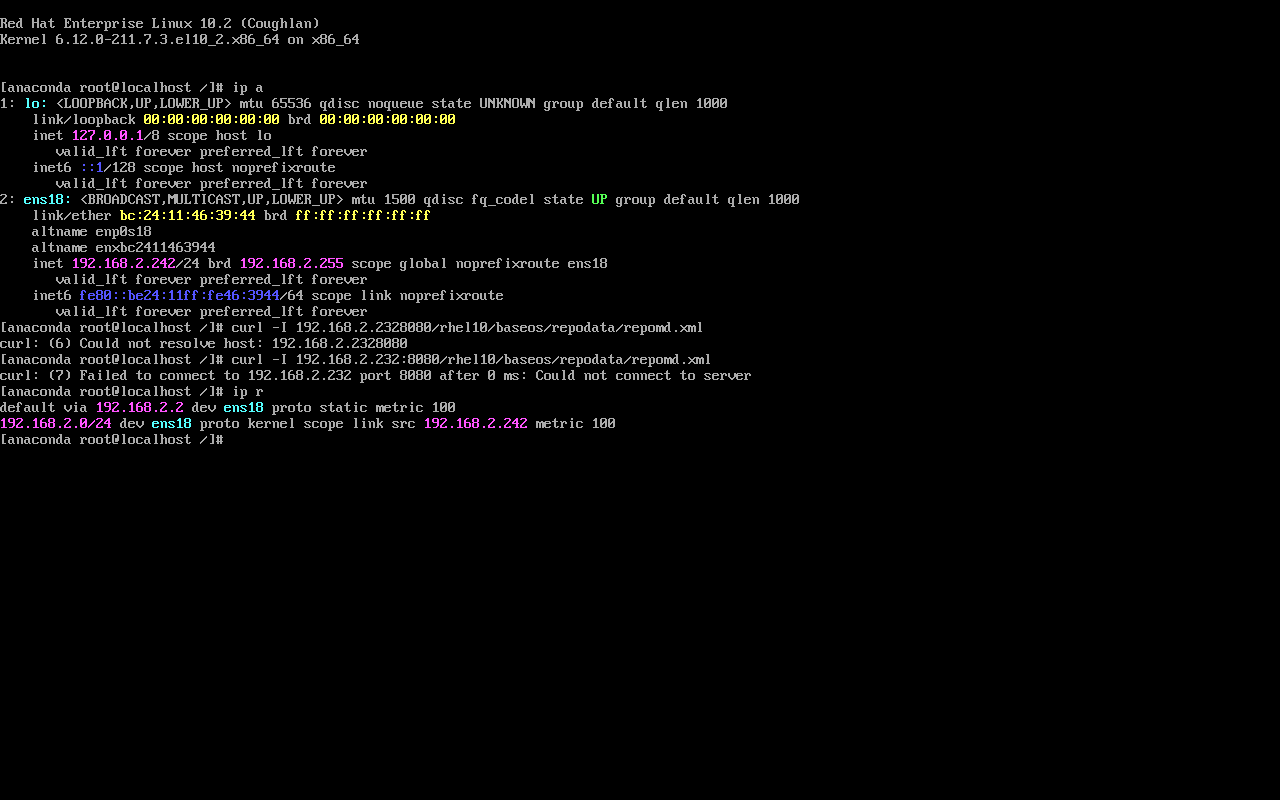
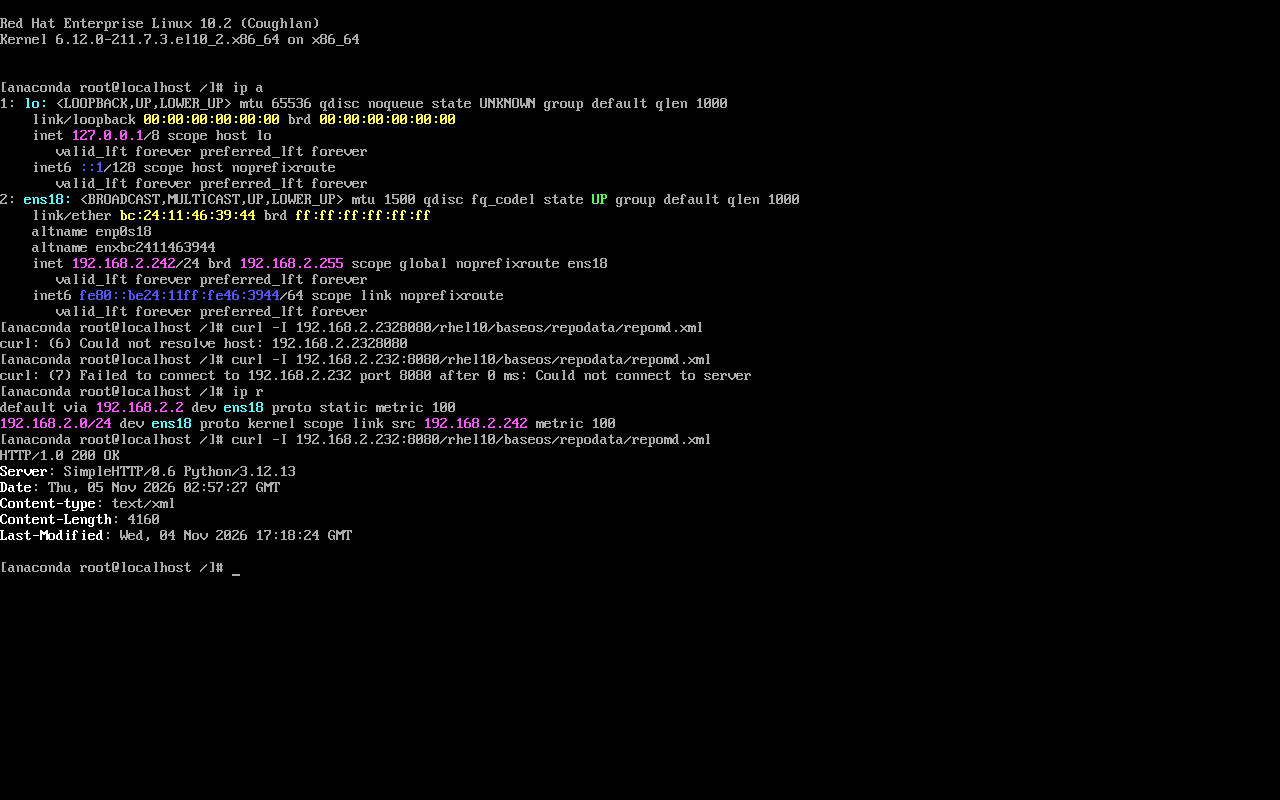
cd /srv && nohup python3 -m http.server 8080 >/tmp/http.log 2>&1 &curl -sI http://192.168.2.232:8080/rhel10/baseos/repodata/repomd.xml# HTTP/1.0 200 OKKickstart 关键段
Section titled “Kickstart 关键段”texturl --url="http://192.168.2.232:8080/rhel10/baseos/"repo --name=appstream --baseurl=http://192.168.2.232:8080/rhel10/appstream/network --bootproto=static --ip=192.168.2.242 --netmask=255.255.255.0 \ --gateway=192.168.2.2 --nameserver=223.5.5.5 --device=link --activateautopart --type=lvmclearpart --all --initlabelselinux --enforcingfirewall --enabled --service=ssh%packages@^minimal-environment%endreboot --ejecturl 是安装源,repo 是附加仓库;两者都写在 ks 里,就不需要在 GRUB 手敲 inst.repo。
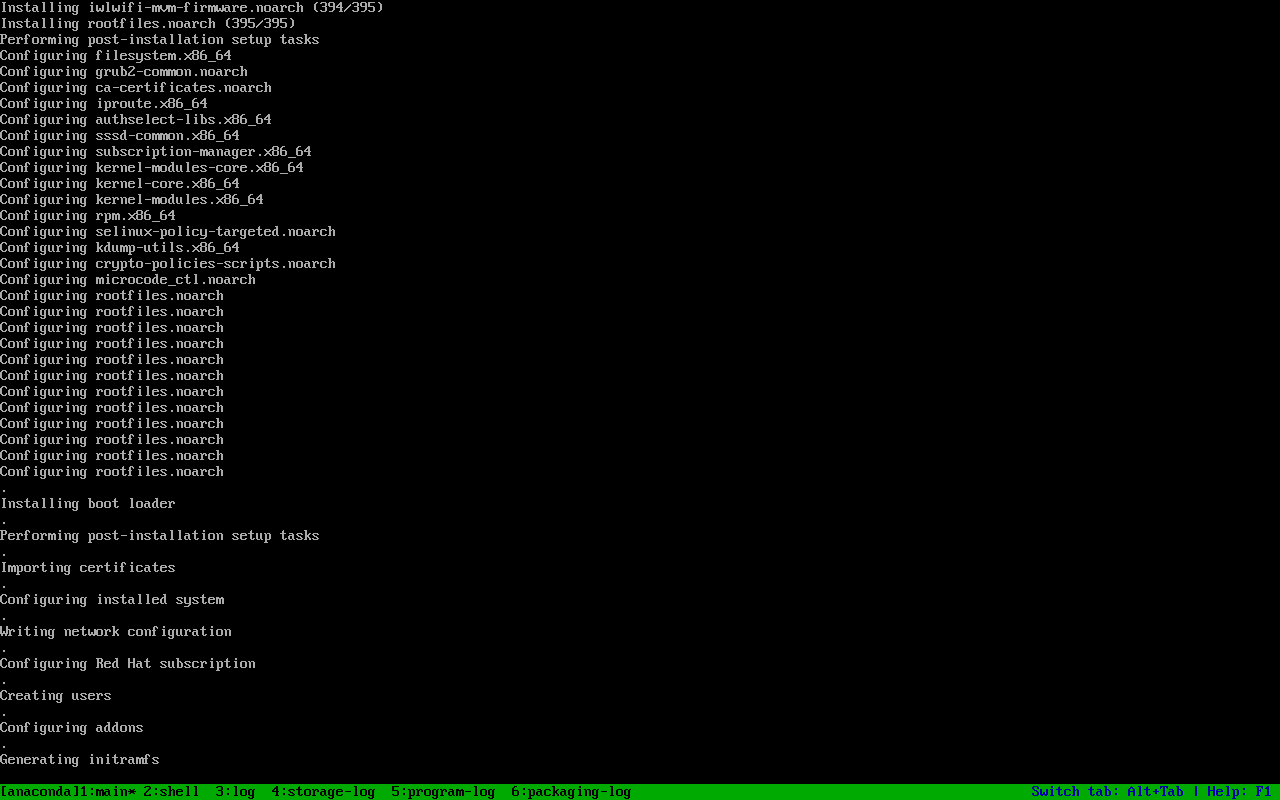
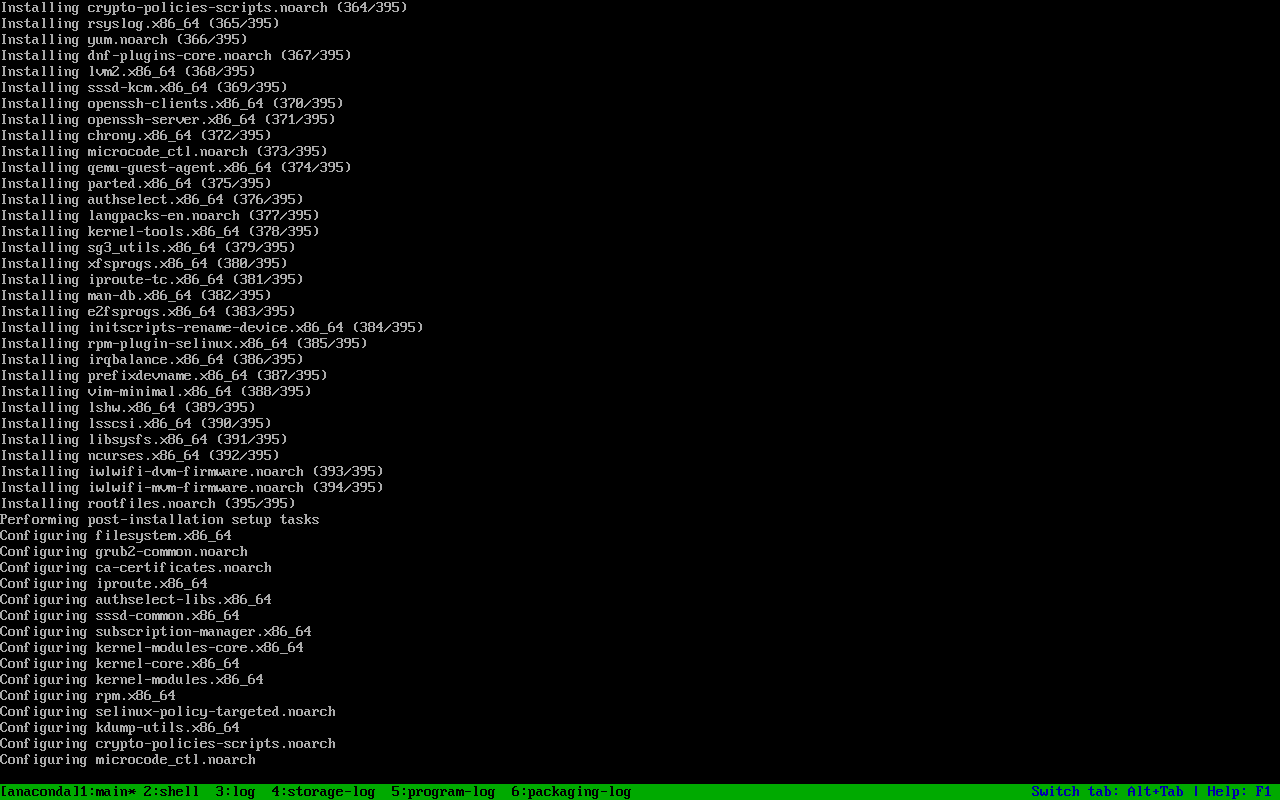
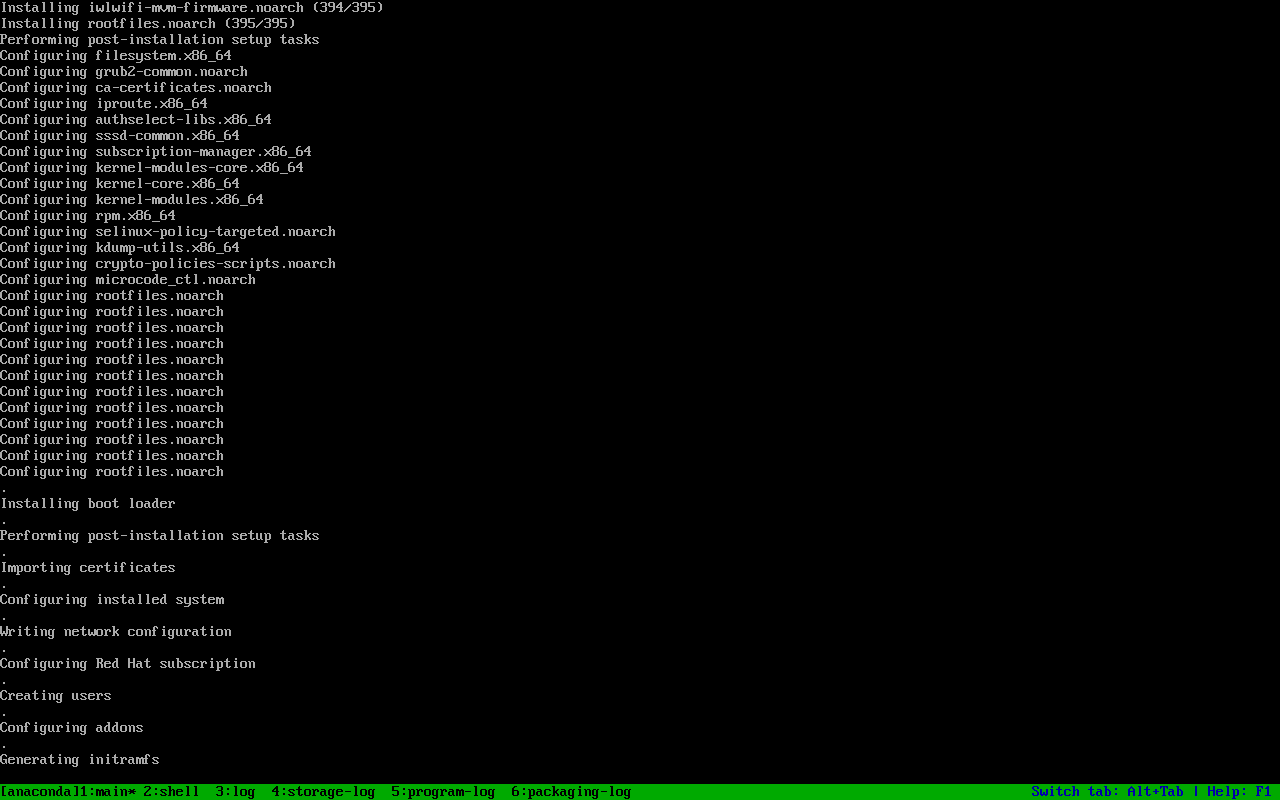
安装器文本界面显示 395 个包,最后:
Installing rootfiles.noarch (395/395)Performing post-installation setup tasks...装完从 scsi0 启动:
$ cat /etc/redhat-releaseRed Hat Enterprise Linux release 10.2 (Coughlan)$ uname -r6.12.0-211.73.1.el10_2.x86_64$ ip -br a show ens18ens18 UP 192.168.2.242/24 ...$ ip route | head -1default via 192.168.2.2 dev ens18 proto static metric 100$ cat /root/install-stampinstalled Thu Nov 5 03:16:50 UTC 20261. --device=link 会警告,但网络最终生效
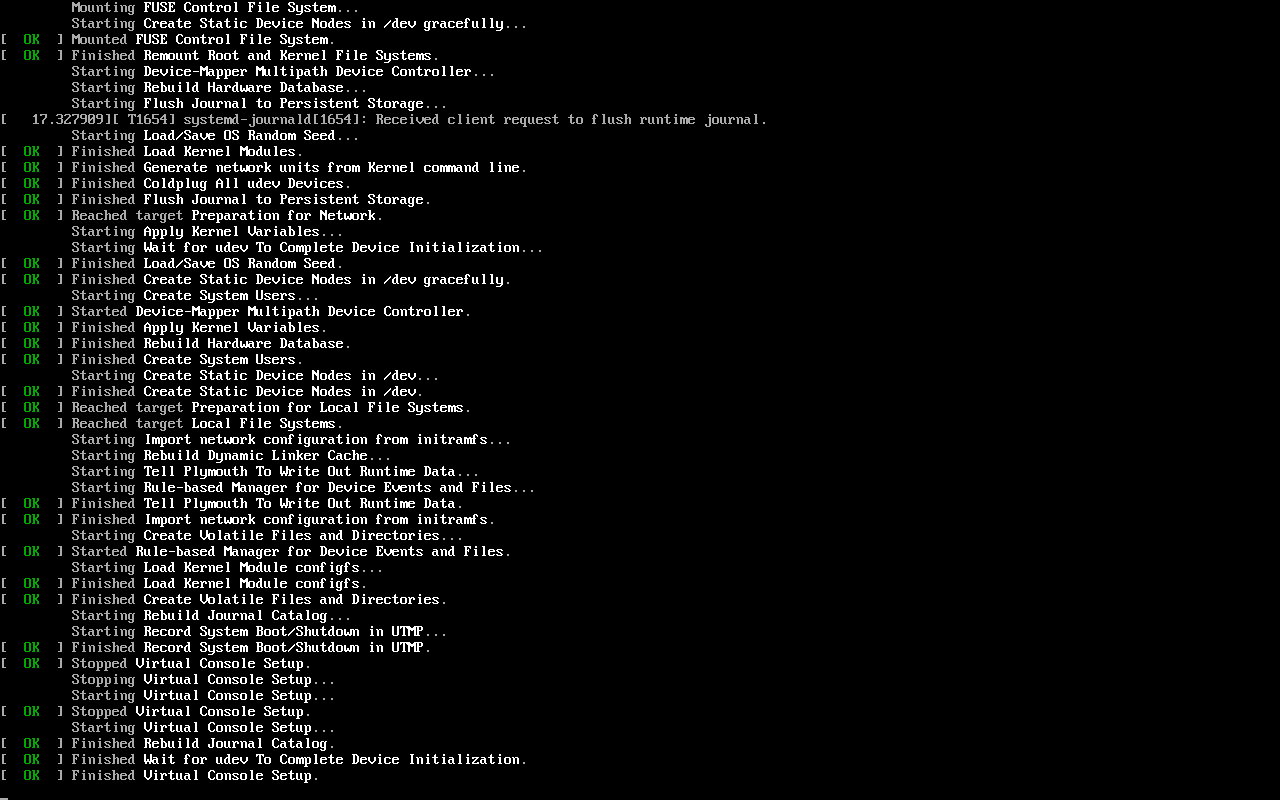
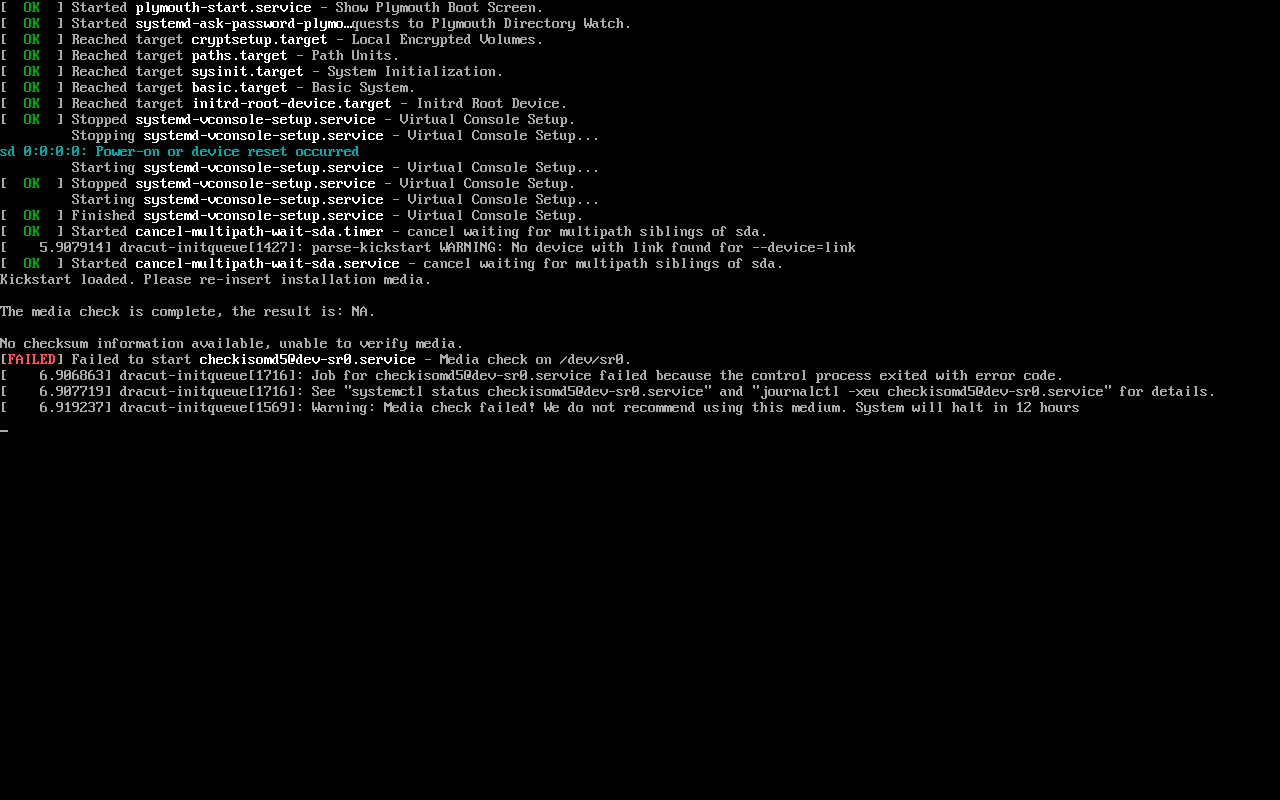
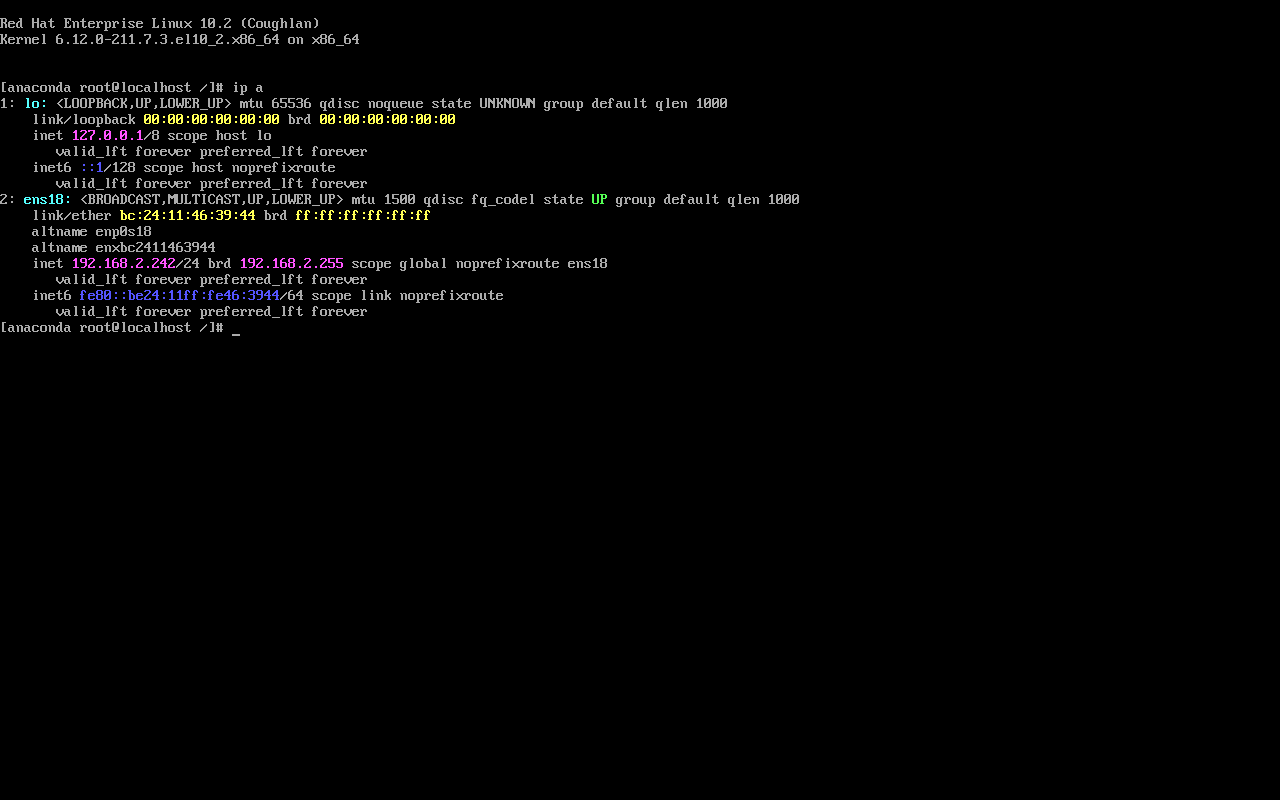
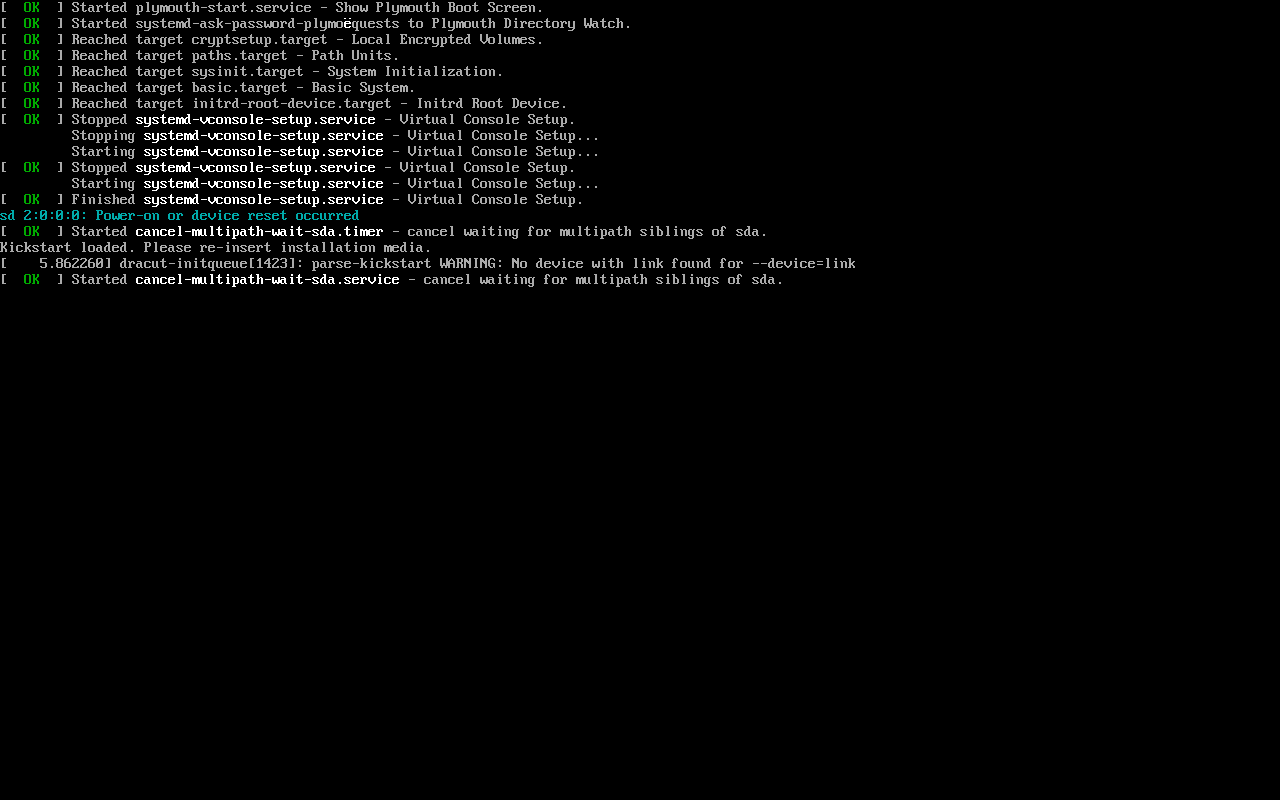
Section titled “1. --device=link 会警告,但网络最终生效”dracut-initqueue: parse-kickstart WARNING: No device with link found for --device=link安装器里 ens18 仍拿到 192.168.2.242/24,默认路由也生效。要不要改成 --device=ens18 取决于你的网卡命名;用 link 至少不会写死名字,但会留一条警告。
2. reboot --eject 没有弹出 CD
Section titled “2. reboot --eject 没有弹出 CD”ks 写了 reboot --eject,但 PVE 的 boot: order 仍是 ide2,重启后又从 ISO 进安装器,第二次装了 395 个包。把 boot order 改成 scsi0 后才进已装系统:
qm set 399 --boot order=scsi0物理机上 --eject 通常有效;虚拟化环境要同时确认 CD 已断开或 boot order 已改。
为什么没走 PXE
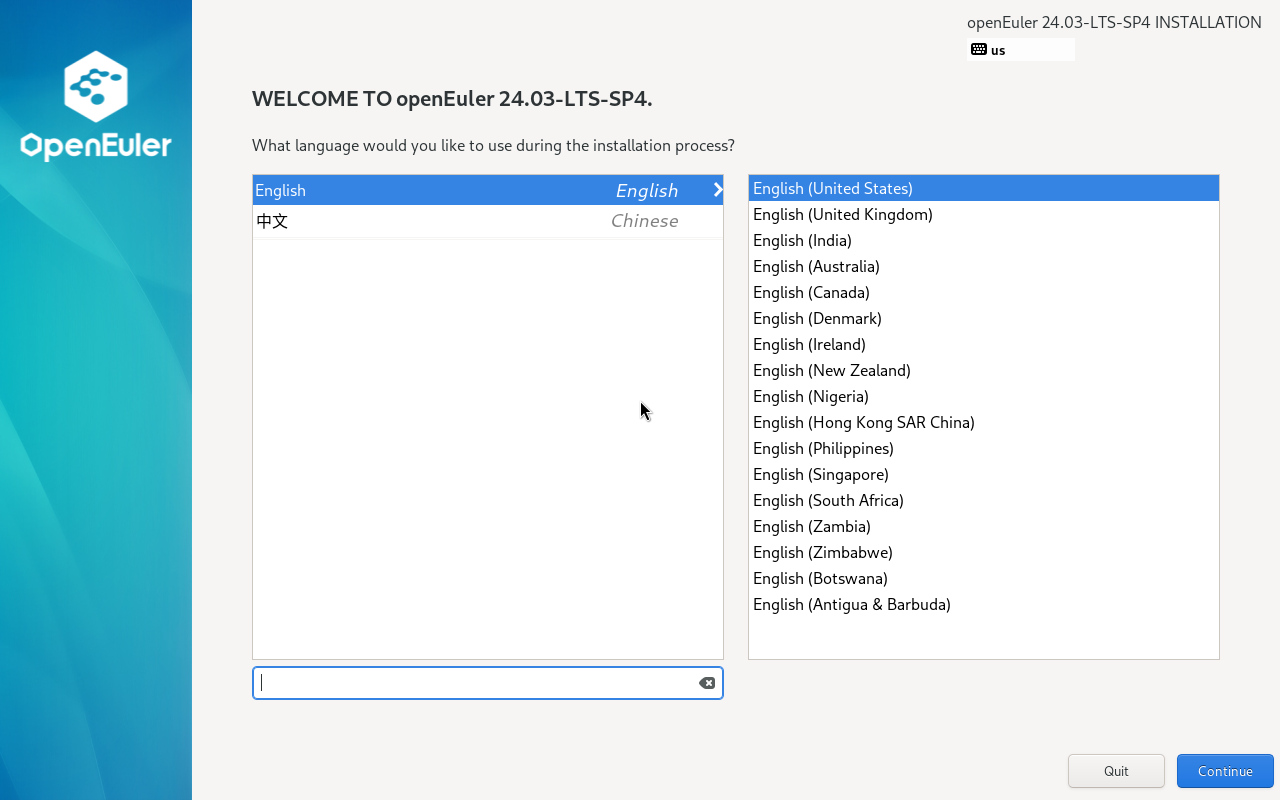
Section titled “为什么没走 PXE”vmbr2 上已有其它 DHCP/PXE 服务(返回 openEuler 安装器),399 会先拿到那台服务器的响应;本次改用“重制 boot.iso + inst.ks=cdrom:/ks.cfg”完成 HTTP 安装。PXE 的 DHCP/TFTP 竞争问题另页再写。
-
repomd.xml在 URL 根上可访问; - firewalld 放行 HTTP 端口;
- ks 里有
url或inst.repo; -
repo名称/URL 与本地目录一致; -
network的 IP/网关/掩码与实验网段一致; - 装完改 boot order,避免 CD 重装;
- 首次登录检查
install-stamp、firewalld、SELinux。
未实测与边界
Section titled “未实测与边界”- 未走真正的 PXE(DHCP/TFTP 被现有服务占用);
- 未测试
inst.ks从 HTTP 拉取(本次从 CD 读); - 未测试订阅注册的
%post(本次离线装,未注册); - 未测试 UEFI 引导。
- RHEL 10.2 安装器:boot.iso 引导与 Anaconda 首屏 — 引导菜单与首屏
- RHEL 订阅注册 — 装完注册
- 官方:Interactively installing RHEL over the network
以下截图来自 PVE 上的实测环境,仅保留关键步骤。
更多过程截图
Section titled “更多过程截图”展开查看完整过程(16 张)